Agentic Onboarding
Designing the first interaction between users and an AI sales assistant.
Jeeva AI · AI sales assistant · Product Design

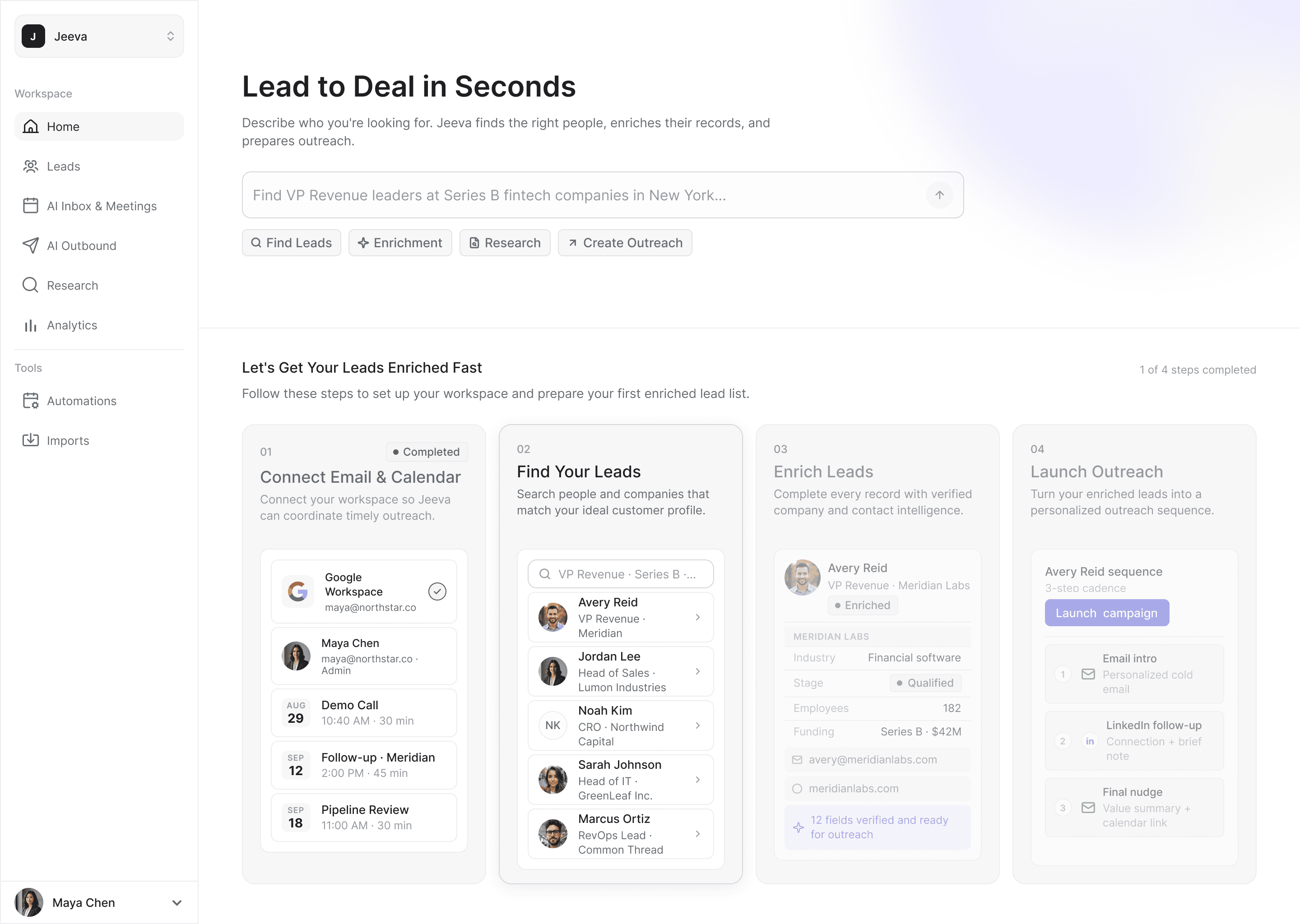
A path into the product
Jeeva AI helps sales teams find prospects, enrich their contact data and turn it into outreach. After signing up, new users landed on a home screen with several ways into the product and no clear place to start.
I proposed a checklist on the home screen to give them a path, and designed it around the complete journey: connect email and calendar, find leads, enrich them, and launch outreach.
Not everyone came for that whole journey. Some wanted to find and export leads; others brought their own and only needed enrichment. Outreach asked for another level of commitment, especially when it meant trusting AI to write to real prospects. Launch Outreach was later removed from the checklist.
I had designed onboarding around one complete journey. Users arrived with many.
What stood before the work
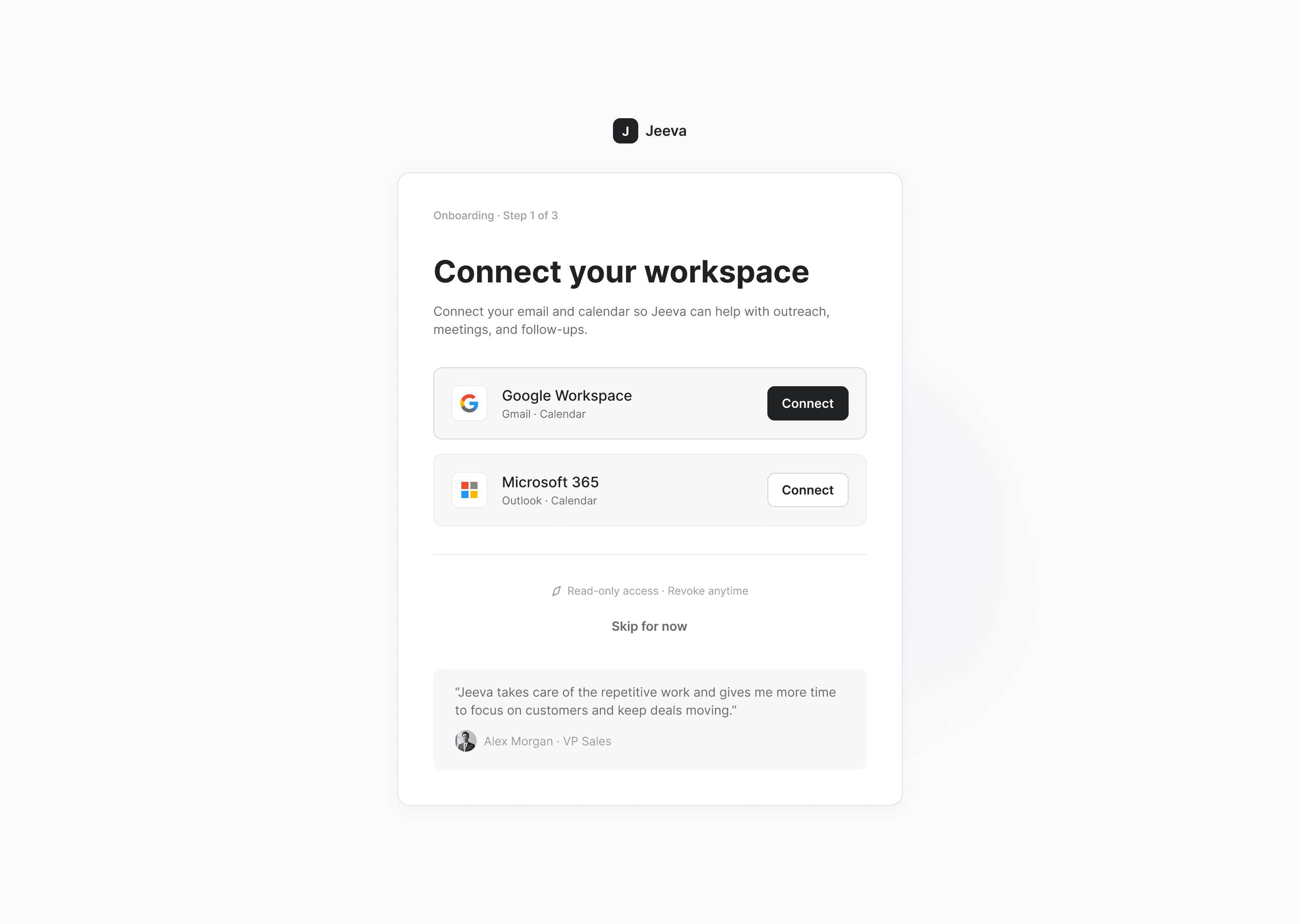
Meanwhile, more account setup was moving ahead of the product. As Jeeva grew into email, calendar and meeting workflows, workspace access moved to the start of onboarding, alongside choosing a plan and inviting teammates.
Each step had a reason. Together, they meant a new user could make several account decisions before doing anything with Jeeva itself.
- Sign up
- Choose a plan
- Connect workspace
- Invite teammates
- Home, with checklist
Useful product work started after the account setup.
The question for me became less about getting people through onboarding, and more about how little needed to come before a useful result.
Exploration, not shipped
Start from the goal
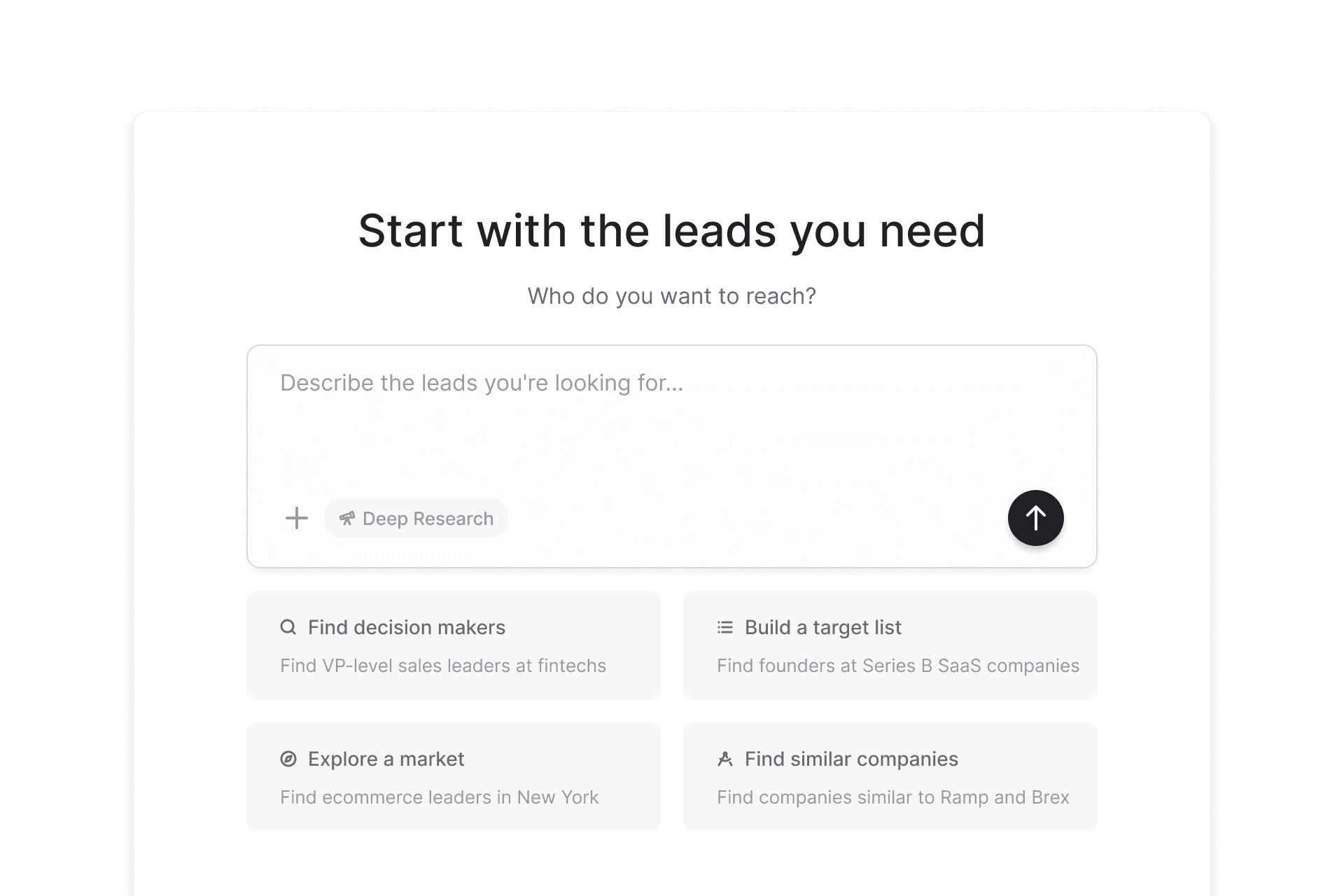
I explored moving a useful result much earlier: ask a few broad questions about who the user wanted to reach, then generate a relevant lead list straight away.
The concept wasn’t shipped, but the idea behind it stayed with me: a first useful result could explain Jeeva better than any path I prescribed.
Starting from intent
Once Jeeva’s agentic search was reliable enough to become a new user’s first experience, the product direction shifted toward agentic onboarding. I designed how that capability became the onboarding: where a new user enters, the sequence of states, how the result appears and where setup happens.
My exploration had still prescribed the path: choose a type of person, choose a type of company, then generate leads. Now the user could simply tell Jeeva what they wanted.
One input
I wanted the start to feel closer to giving a colleague a task than configuring a search tool. The prompt stays open, while suggested requests show what Jeeva can do without becoming a guided tour.
Visible work, one next step
Natural language makes the start simpler but the system less predictable, so the agent’s work stays visible beside the result: what it understood, what it searched and what it found.
The first result is a real lead list, and enriching it is the one next action. From there, the leads can continue into outreach or export.
Setup in context
Some setup was still necessary. Instead of removing it, I moved it to the moment the work gave it a reason.
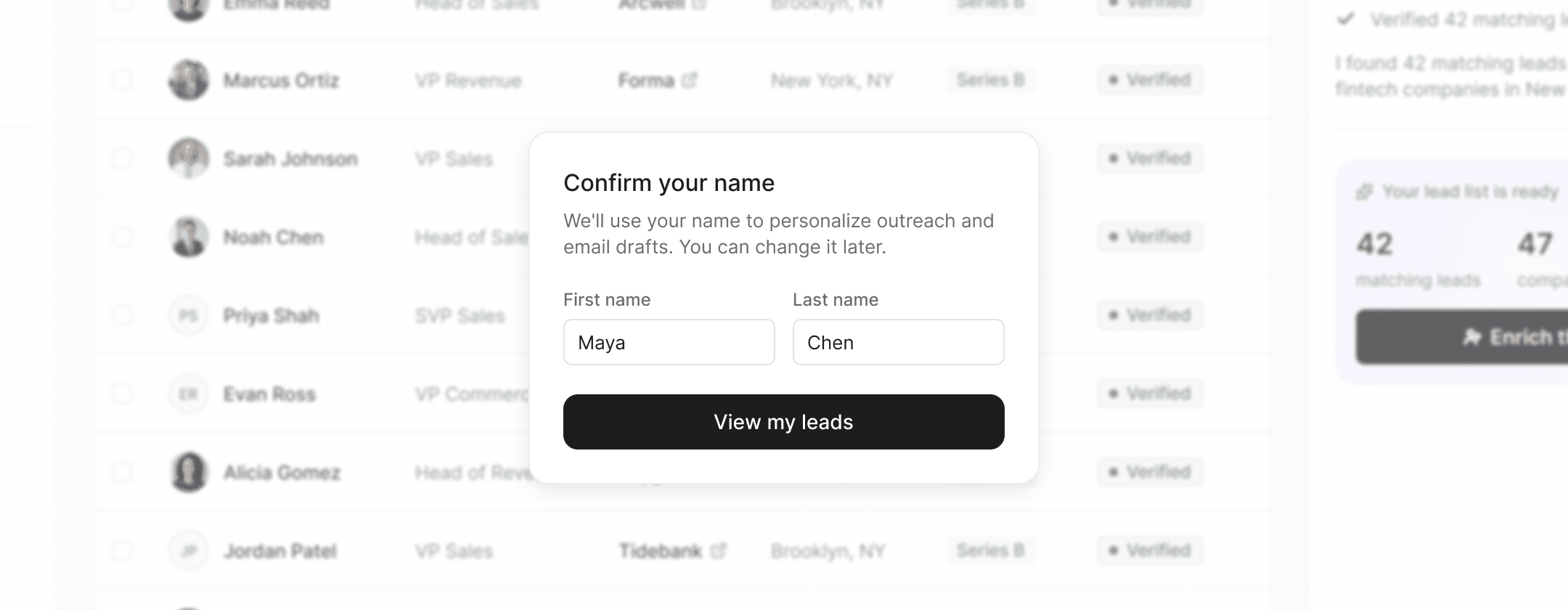
Name confirmation
Campaigns needed the user’s name for email signatures, so it had been collected during signup. I moved it out of signup and placed it just before the first results are revealed, over the lead list it will be used for, with the reason stated in the dialog.
It’s still setup, just setup with context.
Workspace connection
Workspace access unlocks the parts of Jeeva that work with email and calendar, such as creating outreach or using AI Inbox & Meetings. I proposed removing it from initial onboarding and asking for it when a workflow actually needs it, so the agent can first prove itself by finding the right people. The change shipped.
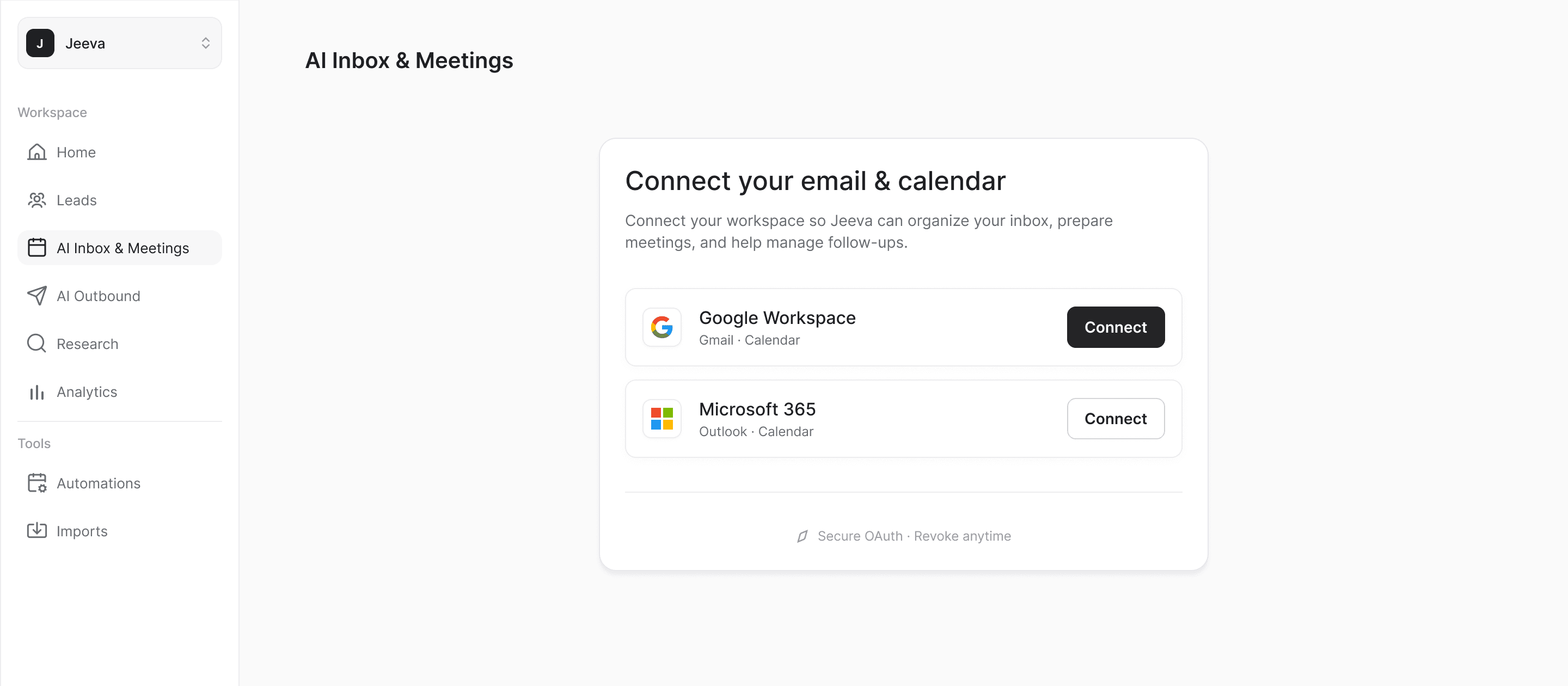
The first session changed from learning how to use Jeeva to actually using it.